When a phone stops charging, the cause is often simple. Try these steps in order before you book a repair.
1. Check the cable, adapter and outlet
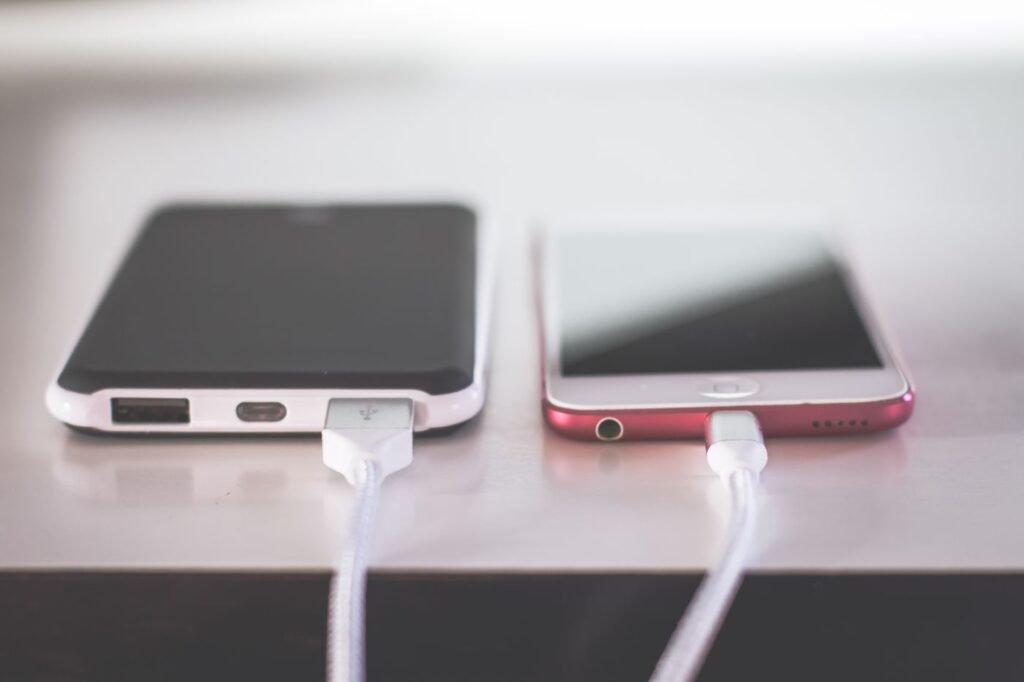
Try a different cable and a different power adapter, and plug into another outlet. Cables wear out, especially near the ends, and they are the most common reason for charging trouble.
2. Restart the phone
A restart clears small software faults that can stop charging from starting.
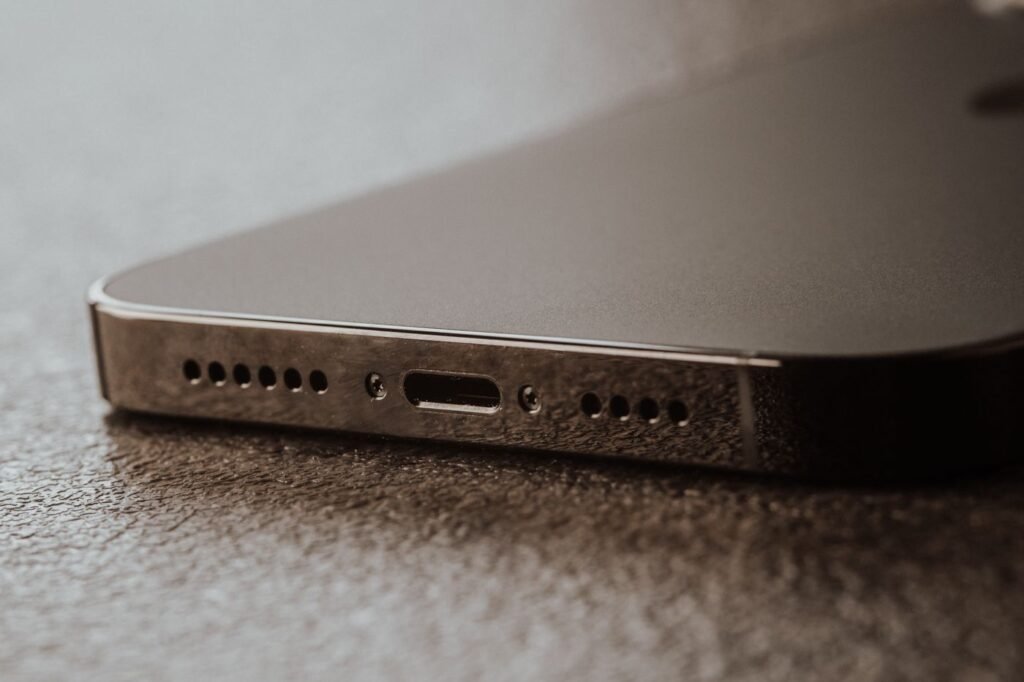
3. Look inside the charging port
Pocket lint is a very common cause. With the phone switched off, shine a light into the port. If you see lint, clean it gently with a wooden or plastic toothpick or a soft dry brush. Never use metal, and do not push hard.
4. Update the software
Install any pending system updates, which sometimes fix charging bugs.
5. Try wireless charging, if your phone supports it
If wireless charging works but the cable does not, the charging port is likely the problem.
When it is time for a repair
- The cable feels loose or has to be held at an angle to charge.
- The port looks bent, burnt or damaged.
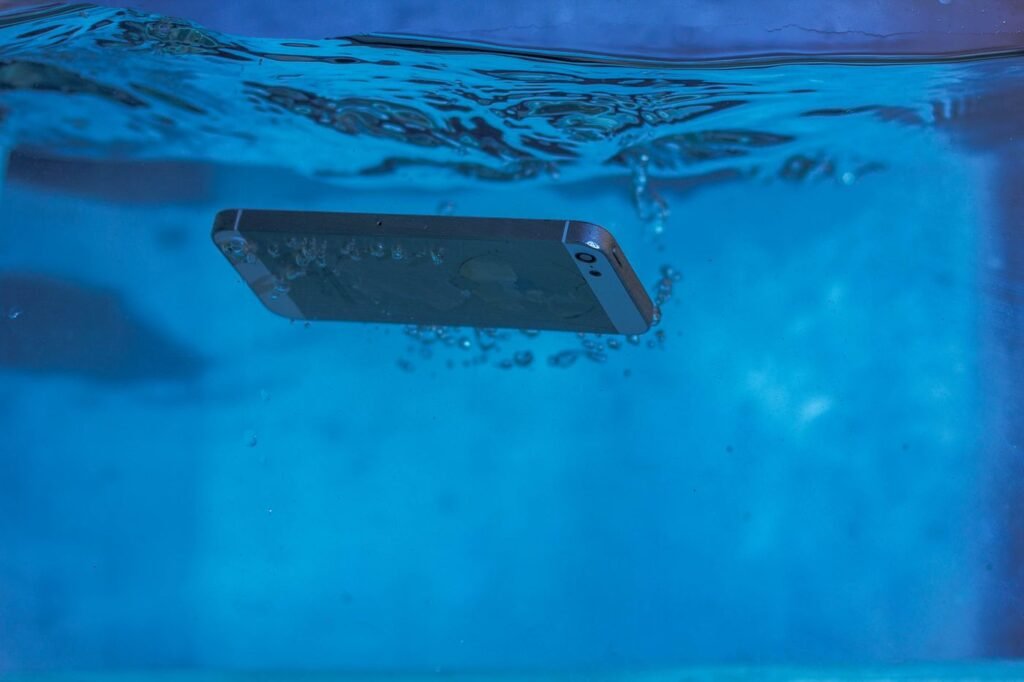
- The phone shows a liquid detected warning.
- Nothing works after you have tried a different cable and cleaned the port.
A charging port repair is usually quick, often 1 to 2 hours. If the battery is also old, ask us to check it at the same visit.
See our charging port repair services and book online. Pay at the shop after the repair.